| 移動によってキャラクターが枠に消えていく状態に推移 |
| レイヤーを使って非表示エリアをつくり、キャラクターがその場所に移動するため隠れるように見える状態となります。 |
 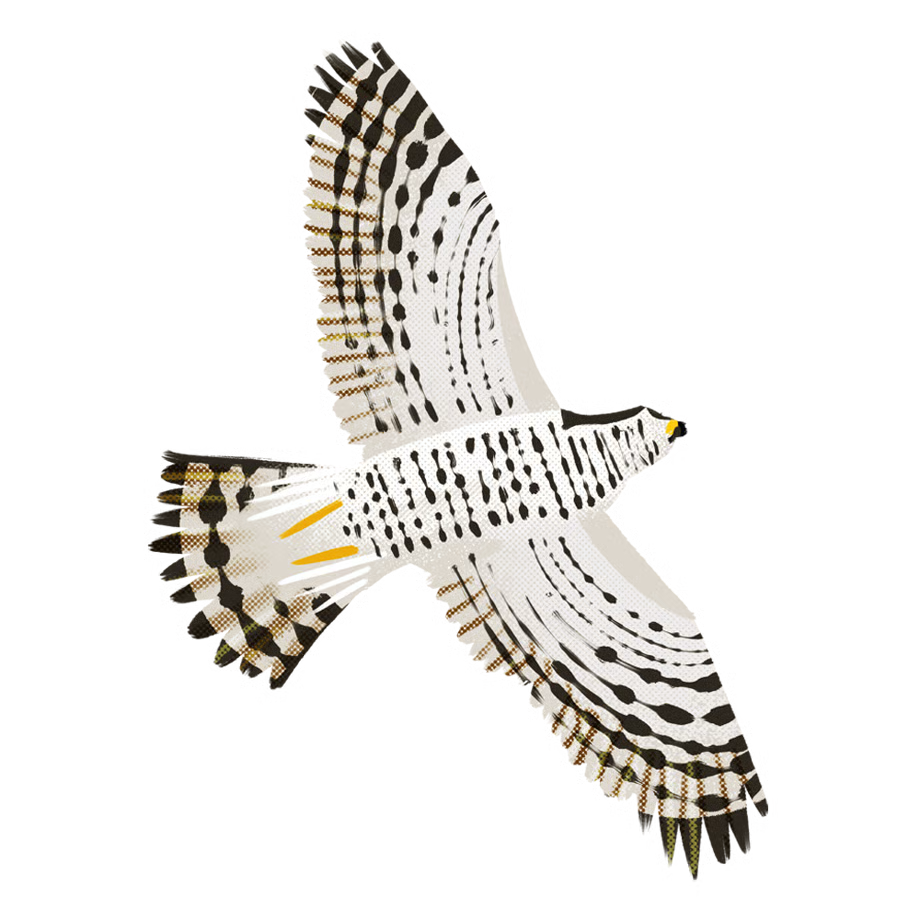 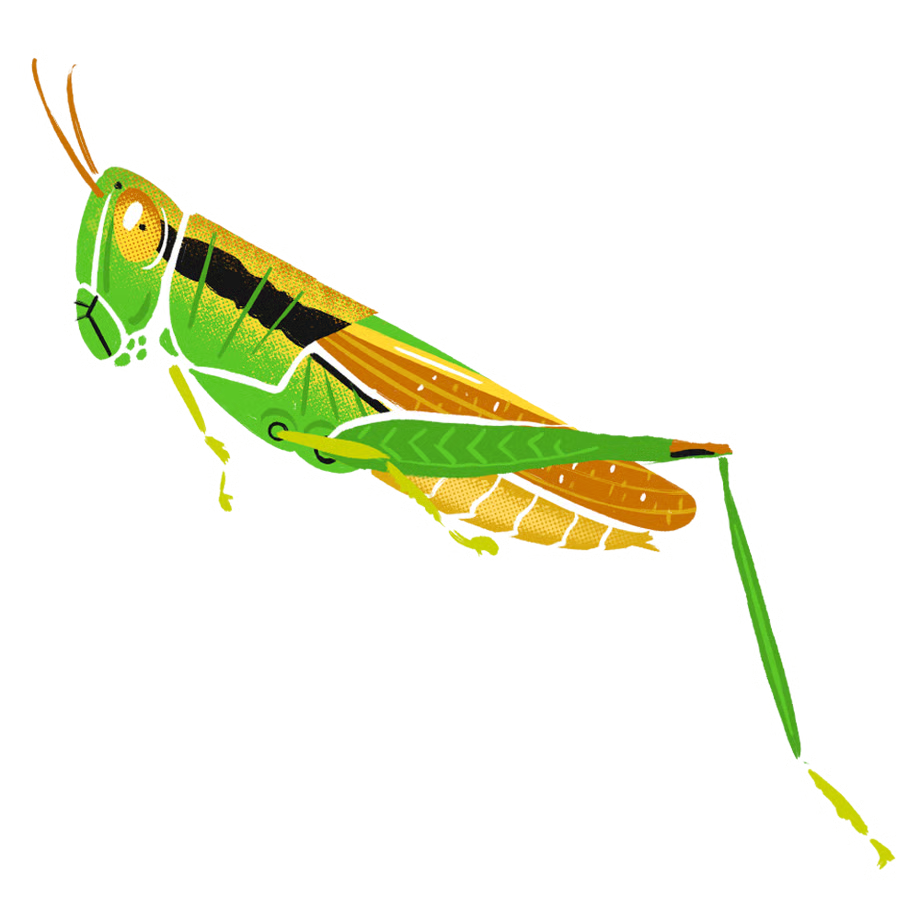 |
[HTML/CSS]
copy
let characters = [
  { id: 0, x: 150, y:   0 },
  { id: 1, x:   0, y:  50 },
  { id: 2, x: 150, y: 100 },
];
let intervalId0;
let intervalId1;
let intervalId2;
characterPositionAll();
function characterPositionAll()
{
	for(i=0;i<3;i++)
	{
		characterPosition(i);
	}
}
function characterPosition(i)
{
	// 配列から該当するキャラクターを探す
	const character = characters.find(char => char.id === i);
	// キャラクターが見つかった場合、座標を更新
	if (character)
	{
		const obj = document.getElementById("c"+i);
		obj.style.left = character.x + 'px';
		obj.style.top  = character.y + 'px';
	}
}
function move(id)
{
	let x = 0;
	let y = 0;
	let direction = 0;
	const character = characters.find(char => char.id === id);
	//キャラクターが見つかった場合、座標を取得
	if (character)
	{
		x = character.x;
		y = character.y;
	}
	let flg = 0;
	if(id==0)
	{
		intervalId0 = setInterval(() =>
		{
			x-= 10;
			if(x<=-50)
			{
				x=-50;
				flg=1;
			}
			character.x = x;
			character.y = y;
			characterPosition(id);
			// 止める条件
			if (flg==1)
			{
				alert("end:"+id);
				clearInterval(intervalId0);
				return;
			}
		}, 1000);
	}
	else if(id==1)
	{
		intervalId1 = setInterval(() =>
		{
			x += 10;
			if(x>=200)
			{
				x=200;
				flg=1;
			}
			character.x = x;
			character.y = y;
			characterPosition(id);
			// 止める条件
			if (flg==1)
			{
				alert("end:"+id);
				clearInterval(intervalId1);
				return;
			}
		}, 1000);
	}
	else if(id==2)
	{
		intervalId2 = setInterval(() =>
		{
			x-= 10;
			if(x<=-50)
			{
				x=-50;
				flg=1;
			}
			character.x = x;
			character.y = y;
			characterPosition(id);
			// 止める条件
			if (flg==1)
			{
				alert("end:"+id);
				clearInterval(intervalId2);
				return;
			}
		}, 1000);
	}

}
// キャラクターの座標を更新する関数
function updateCharacterPosition(id, newX, newY)
{
	// 配列から該当するキャラクターを探す
	const character = characters.find(char => char.id === id);

	// キャラクターが見つかった場合、座標を更新
	if (character)
	{
		character.x = newX;
		character.y = newY;
	}
}
const b0 = document.getElementById("b0");
const b1 = document.getElementById("b1");
const b2 = document.getElementById("b2");
const btnReset = document.getElementById("btnReset");
b0.style.left = '0px';
b0.style.top  = '250px';
b1.style.left = '100px';
b1.style.top  = '250px';
b2.style.left = '200px';
b2.style.top  = '250px';
btnReset.style.left = '0px';
btnReset.style.top  = '280px';

const lbl0 = document.getElementById("lbl0");
const lbl1 = document.getElementById("lbl1");
const lbl2 = document.getElementById("lbl2");
const lbl3 = document.getElementById("lbl3");
lbl0.style.left = '-50px';
lbl0.style.top  = '0px';
lbl1.style.left = '200px';
lbl1.style.top  = '0px';
lbl2.style.left = '0px';
lbl2.style.top  = '-50px';
lbl3.style.left = '0px';
lbl3.style.top  = '200px';


b0.addEventListener("click", () =>
{
	move(0);
});
b1.addEventListener("click", () =>
{
	move(1);
});
b2.addEventListener("click", () =>
{
	move(2);
});
btnReset.addEventListener("click", () =>
{
	let x =0;
	for(i=0;i<3;i++)
	{
		switch(i)
		{
			case 0:
				clearInterval(intervalId0);
				x=150;
				break;
			case 1:
				clearInterval(intervalId1);
				x=0;
				break;
			case 2:
				clearInterval(intervalId2);
				x=150;
				break;
		}
		updateCharacterPosition(i, x, i*50);
	}
	characterPositionAll();
});
.lbl1{
width:50px;
height:200px;
z-index:2;
}
.lbl2{
width:200px;
height:50px;
z-index:2;
}
レイヤーで「z-index:2」としているのでキャラクターが隠れる状態となります。width:50px;
height:200px;
z-index:2;
}
.lbl2{
width:200px;
height:50px;
z-index:2;
}
[ひよこが隠れる例]
intervalId0 = setInterval(() =>
{
	x-= 10;
	if(x<=-50)
	{
		x=-50;
		flg=1;
	}
	character.x = x;
	character.y = y;
	characterPosition(id);
	// 止める条件
	if (flg==1)
	{
		alert("end:"+id);
		clearInterval(intervalId0);
		return;
	}
}, 1000);
x座標を-10としていくことで1秒ごとに左側に移動していきます。x座標が-50未満になったら、タイマーを停止しています。
x座標が0から-50に移動していく際、
ひよこはレイヤーのz-indexの順番のため隠れるため
徐々に消えるように見えます。
[謝辞]
「イラスト:農民イラスト」さんの画像を使用させていただいております。ありがとうございます。
| [URL]イラスト:農民イラスト | |
| URL[https://nawmin.stores.jp][クリックすると開きます]) |
戻る