戻る キャラクター用座標配列 キャラクターの座標を管理する配列
[HTML/CSS]
copy
let characters = [
  { id: 0, x: 150, y:   0 },
  { id: 1, x:   0, y:  50 },
  { id: 2, x: 150, y: 100 },
];
characterPosition();
function characterPosition()
{
	for(i=0;i<3;i++)
	{
		// 配列から該当するキャラクターを探す
		const character = characters.find(char => char.id === i);
		// キャラクターが見つかった場合、座標を更新
		if (character)
		{
			const obj = document.getElementById("c"+i);
			obj.style.left = character.x + 'px';
			obj.style.top  = character.y + 'px';
		}
	}
}

// キャラクターの座標を更新する関数
function updateCharacterPosition(id, newX, newY)
{
	// 配列から該当するキャラクターを探す
	const character = characters.find(char => char.id === id);

	// キャラクターが見つかった場合、座標を更新
	if (character)
	{
		character.x = newX;
		character.y = newY;
	}
}
const b0 = document.getElementById("b0");
const b1 = document.getElementById("b1");
const b2 = document.getElementById("b2");
const btnReset = document.getElementById("btnReset");
b0.style.left = '0px';
b0.style.top  = '200px';
b1.style.left = '100px';
b1.style.top  = '200px';
b2.style.left = '200px';
b2.style.top  = '200px';
btnReset.style.left = '0px';
btnReset.style.top  = '230px';

b0.addEventListener("click", () =>
{
	updateCharacterPosition(0, 0, 0);
	characterPosition();
});
b1.addEventListener("click", () =>
{
	updateCharacterPosition(1, 150, 50);
	characterPosition();
});
b2.addEventListener("click", () =>
{
	updateCharacterPosition(2, 0, 100);
	characterPosition();
});
btnReset.addEventListener("click", () =>
{
	let x =0;
	for(i=0;i<3;i++)
	{
		switch(i)
		{
			case 0:
				x=150;
				break;
			case 1:
				x=0;
				break;
			case 2:
				x=150;
				break;
		}
		updateCharacterPosition(i, x, i*50);
	}
	characterPosition();
});
[キャラクター座標配列]
let characters = [
  { id: 0, x: 150, y:   0 },
  { id: 1, x:   0, y:  50 },
  { id: 2, x: 150, y: 100 },
];
{ id: 0, x: 150, y: 0 }の{}の部分はクラス(オブジェクト)です。
配列をクラス化したものです。
この例では3つのクラスをオブジェクト化して配列に格納しています。
それぞれの変数を
(1) id キャラクターのidをして使用しています。 (2) x x座標として使用しています。 (3) y y座標として使用しています。
クラスなので、オブジェクト化をして各フィールドにアクセスしたり、更新が可能です。
上記は、クラスを初期化状態しているため、この値を利用して
各キャラクターごとの座標を取得して初期位置を設定しています。
const character = characters.find(char => char.id === id);
characters.findはcharacters配列をfindメソッド(javascript側で用意している関数)で検索しています。
右側の「=== id」の「id」は比較対象の変数です。
今回のケースでは各クラスのidフィールドには上から順番に「0, 1, 2」と入っています。
const character = characters.find(char => char.id === i);
for文のi変数が0から2のいずれに一致するか?
updateCharacterPosition
第1引数が0から2のいずれに一致するか?
一致した場合は「if (character) 」が正しいと判定され、if文のステップを実行します。
[謝辞]
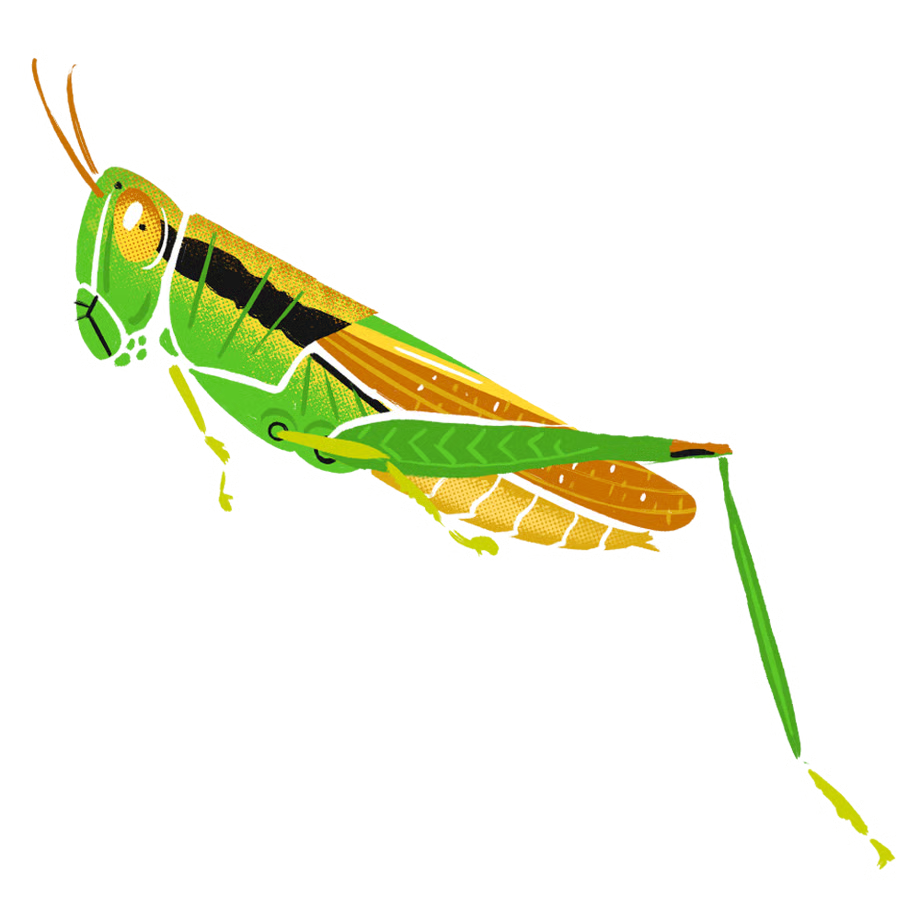
「イラスト:農民イラスト」さんの画像を使用させていただいております。
ありがとうございます。
戻る back Character coordinate array Array that manages the character's coordinates
chick eagle grasshopper Reset [HTML/CSS]
copy
let characters = [
  { id: 0, x: 150, y:   0 },
  { id: 1, x:   0, y:  50 },
  { id: 2, x: 150, y: 100 },
];
characterPosition();
function characterPosition()
{
	for(i=0;i<3;i++)
	{
		//Search for the corresponding character in the sequence
		const character = characters.find(char => char.id === i);
		//If the character is found, update the coordinates.
		if (character)
		{
			const obj = document.getElementById("c"+i);
			obj.style.left = character.x + 'px';
			obj.style.top  = character.y + 'px';
		}
	}
}

//A function to update the character's coordinates
function updateCharacterPosition(id, newX, newY)
{
	// Search for the corresponding character in the sequence
	const character = characters.find(char => char.id === id);

	// If the character is found, update the coordinates.
	if (character)
	{
		character.x = newX;
		character.y = newY;
	}
}
const b0 = document.getElementById("b0");
const b1 = document.getElementById("b1");
const b2 = document.getElementById("b2");
const btnReset = document.getElementById("btnReset");
b0.style.left = '0px';
b0.style.top  = '200px';
b1.style.left = '100px';
b1.style.top  = '200px';
b2.style.left = '200px';
b2.style.top  = '200px';
btnReset.style.left = '0px';
btnReset.style.top  = '230px';

b0.addEventListener("click", () =>
{
	updateCharacterPosition(0, 0, 0);
	characterPosition();
});
b1.addEventListener("click", () =>
{
	updateCharacterPosition(1, 150, 50);
	characterPosition();
});
b2.addEventListener("click", () =>
{
	updateCharacterPosition(2, 0, 100);
	characterPosition();
});
btnReset.addEventListener("click", () =>
{
	let x =0;
	for(i=0;i<3;i++)
	{
		switch(i)
		{
			case 0:
				x=150;
				break;
			case 1:
				x=0;
				break;
			case 2:
				x=150;
				break;
		}
		updateCharacterPosition(i, x, i*50);
	}
	characterPosition();
});
[Character coordinate array]
let characters = [
  { id: 0, x: 150, y:   0 },
  { id: 1, x:   0, y:  50 },
  { id: 2, x: 150, y: 100 },
];
The {} part in { id: 0, x: 150, y: 0 } is a class (object).
This is an array converted into a class.
In this example, three classes are converted into objects and stored in an array.
Each variable is
(1) id Used as the character's ID. (2) x Used as the x coordinate. (3) y Used as the y coordinate.
Because it's a class, you can convert it into an object and access and update each field.
In the above example, the class is initialized, so these values are used to obtain the coordinates of each character and set their initial position.
const character = characters.find(char => char.id === id);
characters.find searches the characters array using the find method (a function provided by JavaScript).
The "id" in "=== id" on the right is the variable to be compared.
In this case, the id fields of each class contain "0, 1, 2" from top to bottom.
const character = characters.find(char => char.id === i);
Does the i variable in the for statement match a value between 0 and 2?
updateCharacterPosition
Does the first argument match a value between 0 and 2?
If it matches, "if (character)" is considered correct and the steps in the if statement are executed.
[Acknowledgements]
images used are from "illustration by nawmin.com"
Thank you very much.
back